FX Mobile (Legacy) Work Task Steps Details Screen
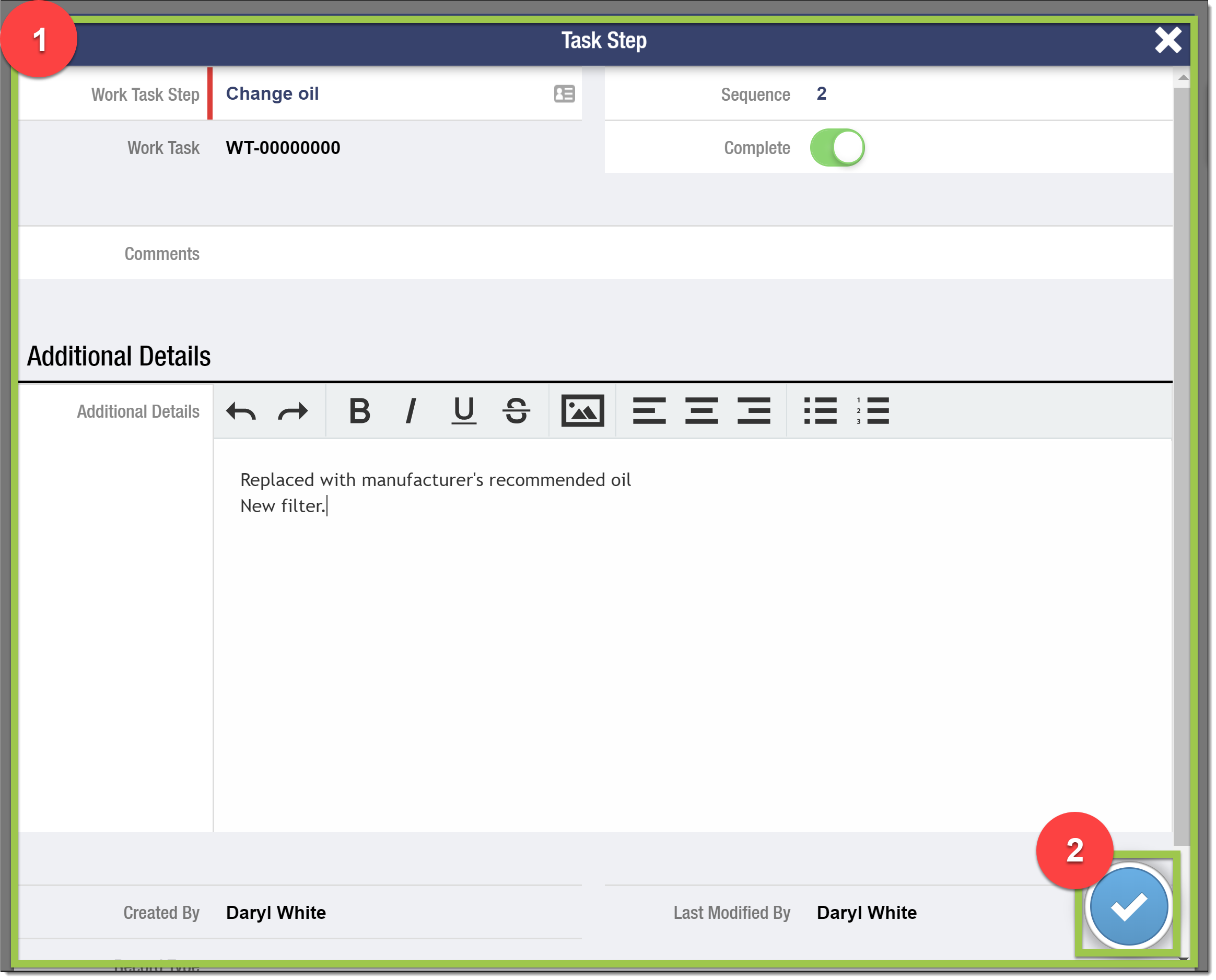
This page details the Work Task Steps details screen in legacy FX Mobile. This screen is used by technicians to view the details of the steps associated with their assigned work tasks. The configuration involves setting up the appropriate fields and permissions in Salesforce to ensure that the correct information is displayed to the users.
1: Work Task Steps Detail
The fields that display are determined by the Work Task Step object’s Page Layout assigned to the User.
The mobile screen honors the column and section settings of the Page Layout.